
By clicking "Accept", you agree to the storing of cookies on your device to enhance site navigation, analyse site usage, and assist in our marketing efforts. View our Cookie Policy for more info.
JAVLN Officetech is a cloud document management system for insurance brokers that runs inside Microsoft 365.
Your team files emails from Outlook to the right client and policy and edits Word and Excel files in place, with every version kept. Every action goes into an audit trail that can't be edited. Officetech runs on the Microsoft 365 Business or Enterprise licence your brokerage already holds, and it's a Steadfast approved supplier.

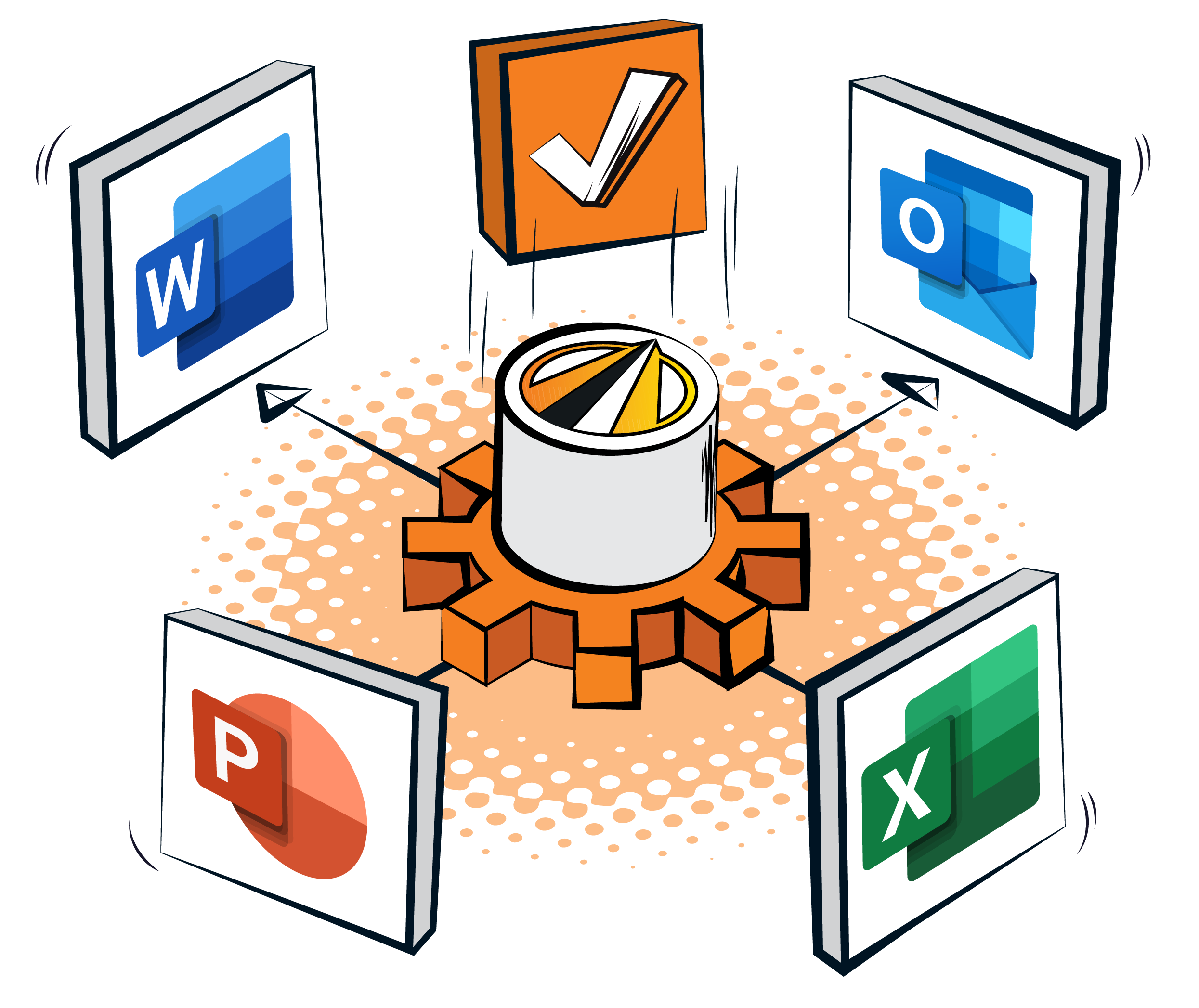
Most brokers spend the day in Microsoft 365. Email, documents and spreadsheets all live there. JAVLN Officetech connects directly to Outlook, Word, Excel and PowerPoint. So document management and compliance happen where the team works already. The filing, version history and audit trail build automatically behind the applications it knows.
Already running document management in SharePoint? Our guide to SharePoint document management sets out what it handles well and where a broker-specific system helps.


File emails straight from Outlook. Emails land in the correct client and policy folder in JAVLN Officetech automatically, with no separate step of saving copies to a shared drive.

Outlook toolbar for outgoing email. Attach files from Officetech into outgoing emails without leaving the inbox. Every message becomes part of the client record as it is sent or received.

Create and edit documents in place. Open, edit and save Word, Excel and PowerPoint files directly through Microsoft 365, with every version preserved in Officetech.

Insurance ready templates. Documents created in Word are generated from broker-maintained templates and filed compliantly, so client letters, schedules and file notes follow a consistent format.

One licence, nothing extra to buy. Officetech runs on top of the Microsoft 365 Business or Enterprise licence a brokerage already holds, with no separate software to install or log into.
Quick-access tools inside Office. Add date stamps, insert signatures and pull in client data directly inside Word, Excel and PowerPoint, without switching platforms.
File emails straight from Outlook.
Emails filed from Outlook are added to the correct client and policy folder in JAVLN Officetech, so there is no separate step of saving copies to a shared drive. An integrated Outlook toolbar lets your team attach files from Officetech into outgoing emails without leaving the inbox, and every message becomes part of the client record as it is sent or received.
Create and edit documents in place.
Open, edit and save Word, Excel and PowerPoint files directly through Microsoft 365, with every version preserved in Officetech. Documents created in Word are generated from broker-maintained templates and filed compliantly, so client letters, schedules and file notes follow a consistent format.
Find what you need, then work on it here.
Full text search, client lookup and check-in/check-out live on the search and collaboration side of Officetech. This integration is what puts those results inside Word, Excel and Outlook the moment they're found. See document search and collaboration
Security built in.
The MS365 integration runs on the same protection as the rest of JAVLN Officetech. It is SOC 2 Type 2 compliant and built on the Australian Cyber Security Centre's Essential Eight, with MFA, enterprise standard encryption and role-based access controls. See the full detail on the JAVLN security hub
Part of the JAVLN Broker Operating System.
Pair JAVLN Officetech with JAVLN Platform and the two products integrate to form the JAVLN Broker Operating System, where policy data and compliance documentation stay aligned by design, under a single client record and one vendor relationship. See the JAVLN Broker Operating System

A broker is able to run the business from multiple browser tabs, using Microsoft 365 alongside JAVLN Officetech and JAVLN Platform, with policy data, client records and compliance documentation kept aligned across them all.

The Microsoft 365 integration meets brokers in Outlook, Word, Excel and PowerPoint. Filing, compliance and the audit trail build themselves underneath.

Time back. Filing, version history and the audit trail build automatically, so your team spends less time on admin and more on advice.
Fewer clicks. Your team creates, files and sends documents without leaving Outlook, Word or Excel.

Easy adoption. Your team keeps working in Outlook, Word and Excel, so there is little to learn and rollout is simple.

A complete client record. Every email and document is captured in the right place as the work happens.

Security built in. The MS365 integration runs on the same protection as the rest of JAVLN Officetech. It is SOC 2 Type 2 compliant and built on the Australian Cyber Security Centre's Essential Eight, with MFA, enterprise standard encryption and role-based access controls.
Plenty of brokerages start there. JAVLN Officetech runs on the Microsoft 365 licence you already hold, so moving to guided filing and an audit trail is an addition rather than a rebuild. Our guide to SharePoint document management sets out what to keep and what to hand over.
Book a demo and we will show you how your team files, edits and finds documents without leaving the tools it uses every day.

Choose one built around insurance rather than generic folders. Look for filing to client and policy, an audit trail that can't be edited, retention that covers Australian and New Zealand rules and a good fit with the tools your team already uses. JAVLN Officetech runs inside Microsoft 365 and covers all four. It is SOC 2 Type 2 audited and a Steadfast approved supplier for document management software.
Yes. JAVLN Officetech integrates with Outlook, Word, Excel and PowerPoint. Your team files emails directly from Outlook into the right client and policy folders, edits and saves documents in place using insurance-ready templates and uses an integrated Outlook toolbar to attach files from Officetech into outgoing emails.
Outlook, Word, Excel and PowerPoint. Emails file automatically from Outlook, documents open and save in place, and full text search finds any word or term across your library.
JAVLN Officetech is SOC 2 Type 2 audited and built on the Essential Eight cybersecurity framework, with MFA, enterprise standard encryption and role-based access controls. Every document action is logged in an audit trail, so cloud storage stays secure and every change is attributable.
Yes. As your team works in Outlook, Word, Excel and PowerPoint, JAVLN Officetech records who created, edited, approved, shared or accessed each file, with a timestamp. The audit trail builds automatically in the background, ready for compliance reviews and insurer audits.
No, and that is the point. Your team keeps working in the Microsoft 365 applications it already knows, while the filing, version history and compliance record build in the background.
Into the correct client and policy folder in JAVLN Officetech. Filing is guided, every version is preserved and the audit trail records who created, edited, approved or accessed each file.
Yes. It runs on the same protection as the rest of JAVLN Officetech: SOC 2 Type 2 audited controls, the Essential Eight cybersecurity framework, MFA, enterprise standard encryption and role-based access controls.
Yes. JAVLN Officetech integrates with JAVLN Platform and Microsoft 365, and with some other broker management systems such as Insight and Winbeat. It is a Steadfast approved supplier for document management software.
Yes, with work. SharePoint gives you libraries, permissions and version history, and a brokerage can shape those into document management if someone designs the structure and maintains it. What it does not know is insurance: clients, policies, claims, renewals and retention. JAVLN Officetech adds that on top of Microsoft 365.
SharePoint is a general document platform. JAVLN Officetech is a broker document management system that runs inside Microsoft 365, with guided filing to the right client and policy, an uneditable audit trail, retention rules and AI client summaries. Your team keeps working in Outlook, Word and Excel.