
By clicking "Accept", you agree to the storing of cookies on your device to enhance site navigation, analyse site usage, and assist in our marketing efforts. View our Cookie Policy for more info.
Every word, findable. Every file, workable.
JAVLN Officetech turns the document library into a searchable, always current record. Every file is findable by what it contains, and every version is controlled, so the team is never working from an outdated copy.



Full text search across every document. Search through document body text, email subjects, comments and metadata using simple keywords, not just file names. Filter by file type, date range, author, cabinet location and saved preferences.

Unified search interface. One search bar scans across policy documents, client correspondence, renewal notices, tasks and email threads simultaneously, with cached results for instant re-running.

Intelligent client lookup. Find client details instantly using any part of their name or ID, across every client record field.

One file, one version. Multiple brokers can open the same Word, Excel or PDF record without creating duplicate copies or conflicting versions.

Check-in and check-out. Managed document checkout locks a file while you work on it. Colleagues see who has it. Everyone works on the right version.
Built-in PDF tools. Annotate, split, merge and fill PDFs inside JAVLN Officetech without needing a separate PDF editor.
Comments and version notes travel with the file. Add a note to any document and it stays attached through every edit, so the next person to open it sees the context without asking.
Search results respect permissions. Only documents a broker already has access to appear in results, so search stays fast without exposing records outside a broker's client list.
Cabinet structure feeds search filters. Year based filing keeps folders consistent, and those same cabinet locations become filters inside search, so results narrow fast.
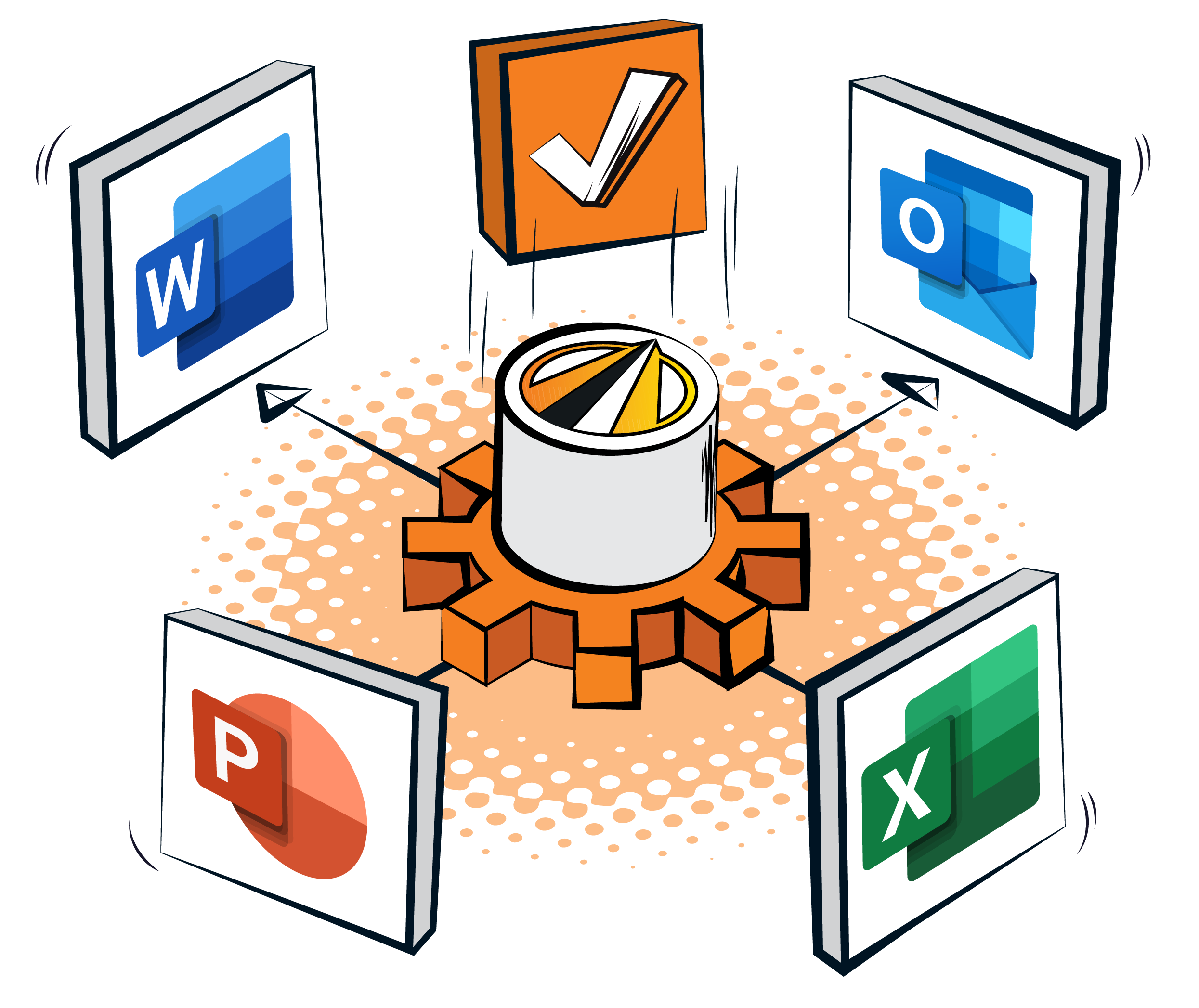
Outlook and Office, the same way every time. Outlook filing, the outgoing email toolbar and insurance ready templates work as described on the Microsoft 365 integration page. What this integration adds is what happens next: once a file lands in Officetech it is searchable, safely checked out and traceable end to end.
Familiar surface, smarter search. Microsoft 365 on top, JAVLN Officetech search and version control underneath.
SharePoint can be shaped into a document management system, provided someone builds and maintains the libraries, metadata and permissions, then keeps governance tidy as the team grows. JAVLN Officetech is Microsoft 365 native, so brokers get document management that already understands clients, policies and claims, inside the tools the team opens every morning. Our guide to SharePoint document management walks through both options in detail.

Policy language is precise. The right wording in the right document changes the outcome. JAVLN Officetech builds full text search into the broker's daily workflow.

Every filed email is searchable too. Attachments and Outlook threads are indexed the same way as documents, so a search for a clause or instruction surfaces the message it came from as well as the file.

Faster answers. Brokers find the clause, the schedule or the file note in seconds.
One environment. The team edits, signs and shares where they store and search. Workflow stays in one place.

Cleaner version history. One audit trail. Every change attributable.

Search becomes a habit. When the right file surfaces in seconds, the team stops digging through folders and starts searching first.

Compliance reports. Generate compliance reports for regulatory submissions in minutes rather than hours. Export complete audit trails with full documentation, or produce custom reports for specific audit requirements.

Brokers use full text search across the entire document library. JAVLN Officetech searches document body text, email subjects, comments and metadata, then surfaces every document where the term appears with cached results for instant re-running. Filters narrow results by file type, date range, author, cabinet and saved preferences.
Yes. Word, Excel, PowerPoint and PDF documents open and edit in place inside JAVLN Officetech with full Microsoft 365 capability. The team works on a single version with a complete audit trail, rather than downloading, editing locally and re-uploading.
Managed document checkout locks a file while it is being edited, so colleagues see it is in use and everyone works on the right version. Version history is preserved for every change, and the audit trail captures every action with the user and timestamp.
Yes. JAVLN Officetech integrates deeply with Outlook, Word, Excel and PowerPoint. Brokers file emails from Outlook into the right client and policy folders, edit Office documents in place using insurance ready templates with auto client data population, and attach files from Officetech into outgoing emails. Compatible with Microsoft 365 Business and Enterprise licences.
Yes. Smart email management captures emails and attachments directly from Outlook into the right client and policy in Officetech, using Conversation IDs to keep filing accurate. The audit trail captures the action, and replies arrive back against the existing thread in the right folder, ready to action.