
By clicking "Accept", you agree to the storing of cookies on your device to enhance site navigation, analyse site usage, and assist in our marketing efforts. View our Cookie Policy for more info.
Cloud-based document and compliance management system, purpose-built for insurance brokers. Audit-ready. Secure. Built to work in Microsoft 365.
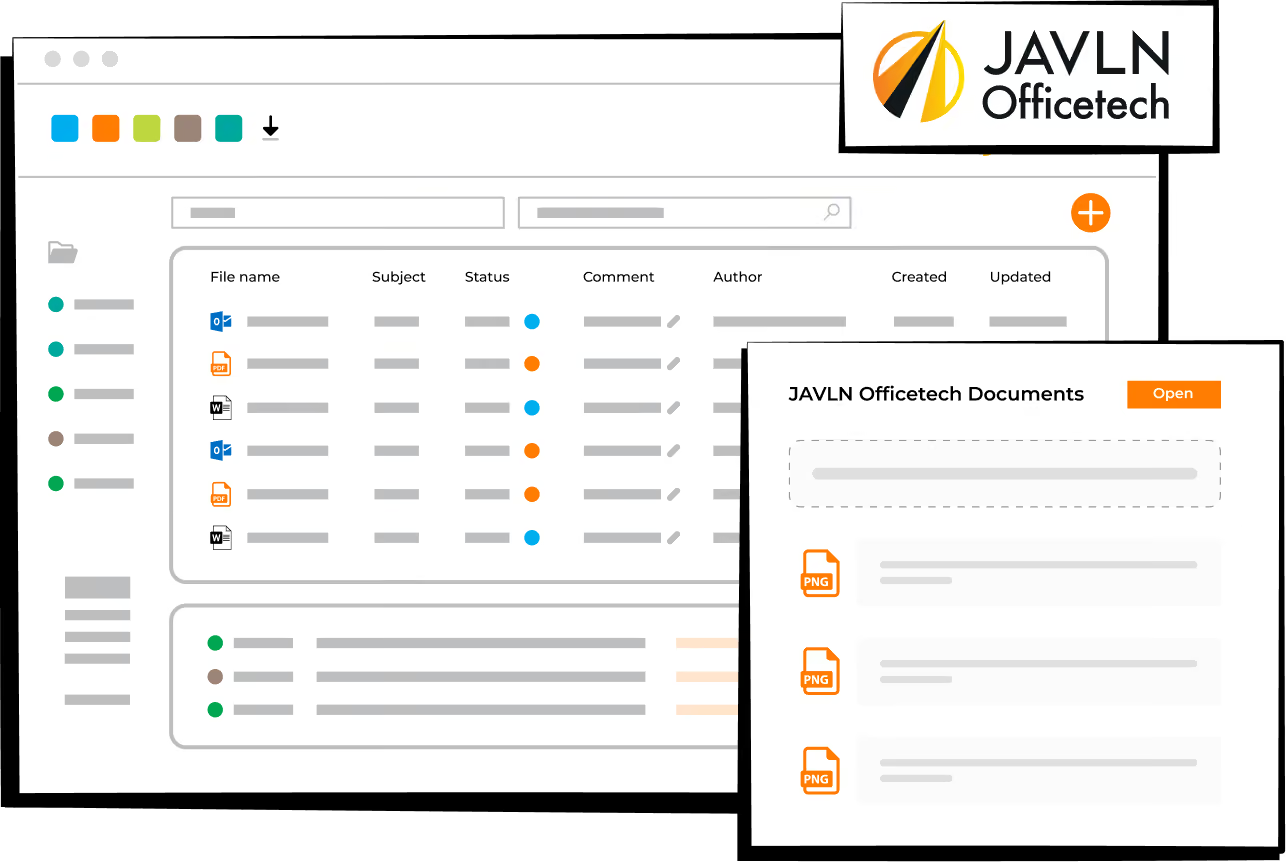

Unchangeable file notes, detailed audit trails, and guided workflows built into all client interactions. Regulatory review ready, designed to help create a complete audit trail.

The Officetech toolbar appears inside Outlook, Word, and Excel. File emails into client folders, insert client data into documents, save to the right folder in one click, and manage version control, without leaving Microsoft 365.

Converts years of client history into an editable report. One click consolidates correspondence, documents, tasks, and notes, ready to share or keep for internal review.


Nic Tyson, Director • The Advisers
"Working with JAVLN Officetech has simplified how we manage our business. Their system is easy to use, making it simple to track workloads and maintain oversight of our processes. This visibility has helped us operate more efficiently and confidently. I would recommend JAVLN Officetech to any business wanting straightforward solutions that deliver results."
Read full customer story
Independently audited
security controls.

MFA, encryption, and role-based access controls.

Across the Asia-Pacific region, Australia and New Zealand.
JAVLN has partnered with Intersys, to bring proven insurance broker software to the UK market. Intersys is a Managing General Agents' Association (MGAA) member. We're actively onboarding brokerages who want a genuine competitive advantage from day one.
Trusted by thousands of insurance professionals across Asia-Pacific.
Now available in the UK.
Moving to JAVLN Officetech doesn't mean starting your client records from scratch. Existing files, correspondence and policy documents are migrated in during onboarding, so your audit trail carries over rather than restarting from your go-live date.

The JAVLN team reviews how your brokerage currently files client correspondence, documents and notes across Outlook, Word and Excel.

The Officetech toolbar is configured inside your existing Microsoft 365 environment, with folder structures matched to how your team already works.

Dedicated onboarding support carries your team through the first weeks live.
Book a demo
Melissa Sholakis • Aviso Specialty Insurance and Risk Advisory
"As client files were piling up and compliance was getting harder to manage, word-of-mouth recommendations gave us the confidence to make the switch to JAVLN Officetech – and we haven't looked back."

UK Partner - Intersys
intersys.co.uk
info@intersys.co.uk
+44 (0)20 3005 4440

JAVLN
hello@javln.com

JAVLN Officetech is cloud-based document and compliance management software for insurance brokers. It specifically handles client files, correspondence and audit trails inside Microsoft 365, with compliance tools built in.
No. JAVLN Officetech is the document and compliance layer that sits alongside the system your brokerage already uses for quoting and policy administration, such as Acturis, Applied Systems or Open GI.
Yes. Consumer Duty asks firms to evidence fair outcomes and good record-keeping, and JAVLN Officetech is built around exactly that: unchangeable, time-stamped file notes, a complete audit trail and 7-year document retention, created automatically as your team works.
Yes. JAVLN's UK partner Intersys is a Managing General Agents' Association (MGAA) member, and Officetech's document and compliance workflows apply equally to MGA operations. The audit trail and Microsoft 365 integration work the same way for both.
Nothing is lost. Existing correspondence, documents and policy notes are migrated in as part of onboarding, so your audit trail continues rather than starting again from your go-live date.
Yes. JAVLN Officetech is SOC 2 Type 2 audited, with MFA, encryption and role-based access controls built in. It's the same enterprise-grade security already trusted by thousands of insurance professionals across Asia-Pacific.
Pricing is agreed directly with each founding UK brokerage rather than published as a fixed rate, with preferred pricing locked in for the length of the launch phase. Book a demo and JAVLN's UK team will scope a quote for your brokerage's size.
Setup starts with a review of how your team currently files client correspondence and documents, followed by configuring the Officetech toolbar inside your existing Microsoft 365 environment. Dedicated onboarding support carries your team through to go-live.