
By clicking "Accept", you agree to the storing of cookies on your device to enhance site navigation, analyse site usage, and assist in our marketing efforts. View our Cookie Policy for more info.
OrganiseIT is being retired in 2027.
OrganiseIT customers are invited to move to our most capable system, JAVLN Officetech.
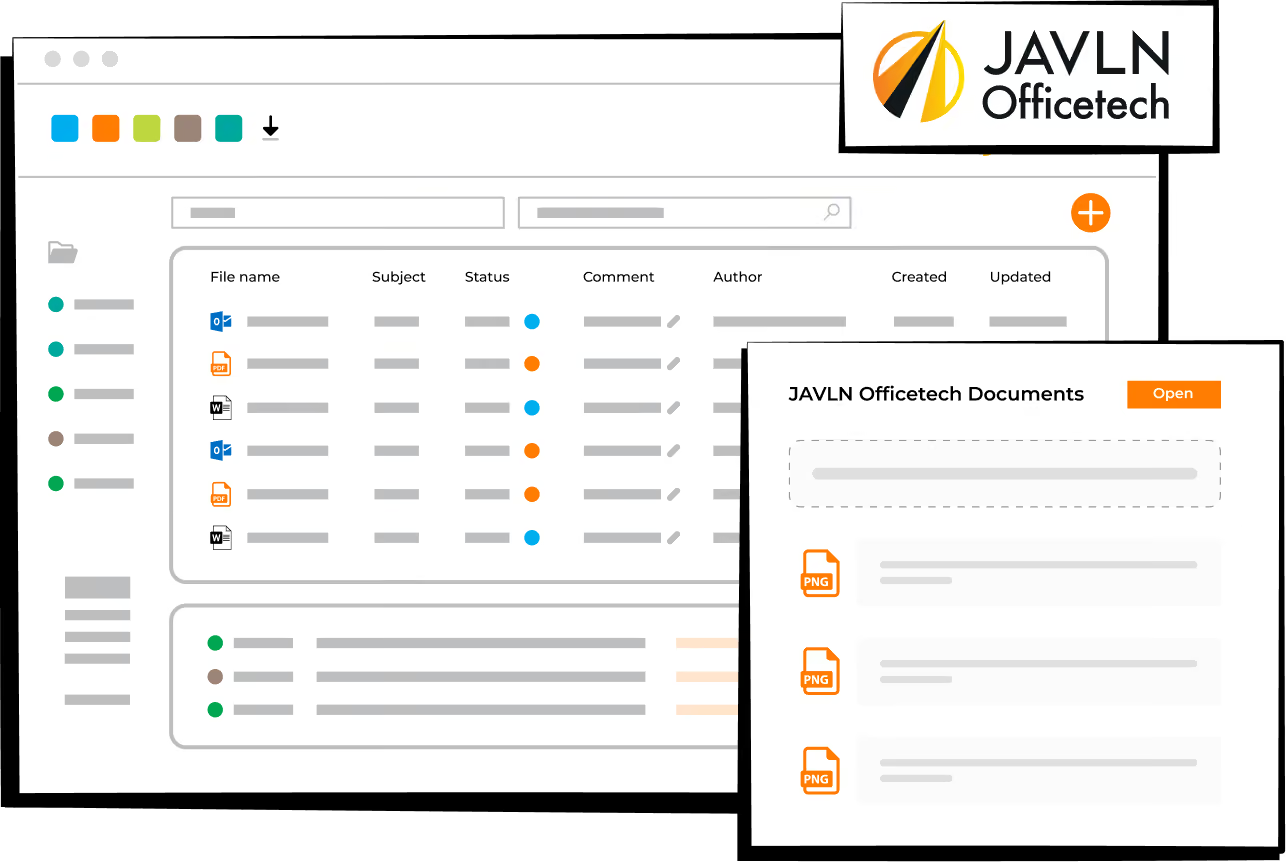
Conversation IDs route every email to the right client folder automatically. No manual sorting. Nothing gets lost.
Merge, split, redact, annotate.
No third-party software.
No extra cost.
Set tasks and reminders to automatically run from your policy data. No manual follow-up lists.
Unchangeable file notes, detailed audit trails and guided workflows built into every client interaction. SOC 2 Type 2 audited and built on the Essential Eight. Automated 7-year retention. Regulatory review ready.
The JAVLN Officetech toolbar appears inside Outlook, Word, and Excel. File emails into client folders, insert client data into documents, save to the right folder in one click, and manage version control, without leaving Microsoft 365.
Converts years of client history into an editable report. One click consolidates correspondence, documents, tasks, and notes, ready to share or keep for internal review.
JAVLN manages the process end to end. Configuration. Data migration. Training. Go-live. Most brokers are live within four to six weeks of kick-off. JAVLN handles the technical migration. Your data carries across.

Book a demo with our team and we can walk you through how JAVLN Officetech could work for your brokerage.

JAVLN does the heavy lifting. What's involved depends on your setup. If you're on OrganiseIT Cloud, we extract the data at our end. No server access. No action from your team beyond confirming your data volume.
If you're on OrganiseIT On-Premise, our team works directly with your IT team or third-party provider to extract the data from your server. We coordinate the timing and the technical detail with them.
A reliable internet connection helps minimise downtime, regardless of setup.
From there, JAVLN packages, processes and imports your data into JAVLN Officetech.
JAVLN Officetech uses a different folder layout to OrganiseIT, so during migration your clients move onto JAVLN's standard Officetech structure. It's the same structure used across our customer base, built specifically for insurance broking workflows.
Your historical OrganiseIT documents stay with you. We bundle them into a "Pre-Officetech" subfolder under each client, so your original layout is preserved and your team can still find everything.
Any non-client data can be imported as separate folders within JAVLN Officetech.
We'll walk you through how this looks for your business during the initial kick-off call.
Standard data migration fees are normally quoted separately based on your data volume and setup.
The full onboarding process, from signing the agreement to being live on JAVLN Officetech with all your data migrated, typically takes around four to six weeks. Your team's time is focused on training, not the technical work.
Once your data is securely imported, the JAVLN team conducts verification checks to confirm data accuracy and integrity. Helpdesk support is available, along with instructional training videos for both users and administrators, so you're never left to figure it out on your own.
Your historical data migrates to Officetech as part of the process. Once you are live, you will have full access to your complete client history. JAVLN's 7-year retention policy means your records are stored and protected from day one.
To keep your records clean, your team should file in one system at a time. Once you go live on JAVLN Officetech, your OrganiseIT access switches to read-only. Historical data stays available to view, but all new work happens in JAVLN Officetech.
JAVLN manages the migration end to end. What's needed from your side depends on your setup.
If you're on OrganiseIT Cloud, our team extracts your data at our end. No IT involvement needed on yours.
If you're on OrganiseIT on-premise which is server based, we'll work with your internal IT team or third-party provider to extract the data from your server. If you don't have a provider in place, we'll guide you through what's required.
Any specific IT requirements get covered in your initial consultation.
Yes. Both Cloud and On-Premise OrganiseIT customers are eligible for the promotional offer. Your migration path will be confirmed during the initial consultation.
OrganiseIT reaches retirement in 2027. We strongly encourage all customers to complete their migration well before this date as the product will no longer be supported.
You will have a dedicated JAVLN onboarding contact throughout the migration. Once live, you have access to our Freshdesk knowledge base and support ticketing from day one. Our support team understands insurance broking, not just software.
Talk to our team directly.

Thousands of insurance professionals trust JAVLN across Asia-Pacific

Independently audited SOC 2 Type 2 compliant

Compliance built in; ASIC, IBCOP and APRA aligned